
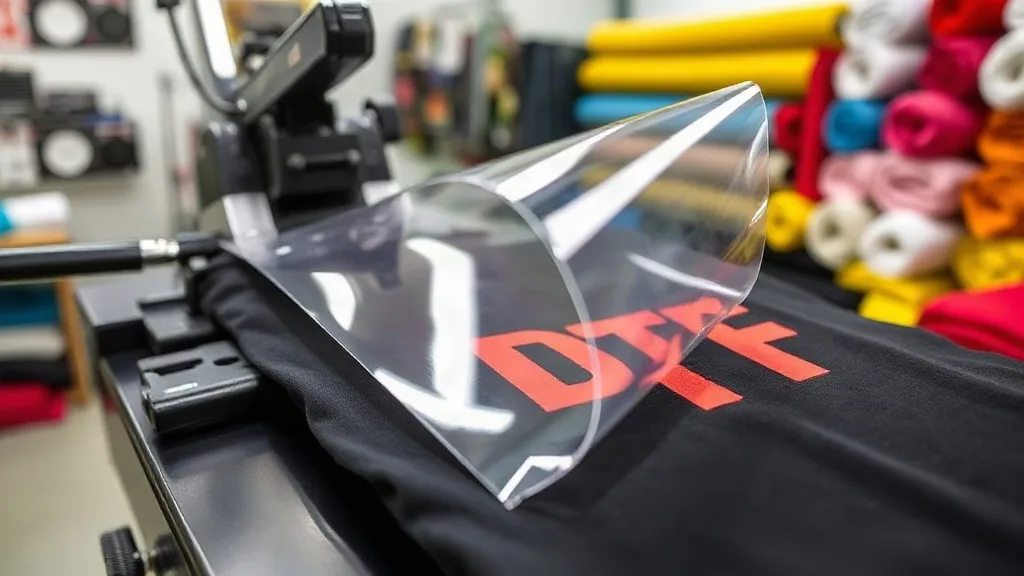
You've invested in a DTF printer, picked out the perfect design, and pressed your first shirt. But something's off: the colors look dull, the edges are ragged, or the transfer peels after a single wash. You're not alone. Even seasoned apparel decorators encounter dtf transfers issues that can turn a profitable job into a frustrating mess. The good news? Most problems stem from a handful of avoidable mistakes. In this guide, we'll walk through the most common pitfalls in the DTF workflow and show you exactly how to fix them, so you can achieve consistent, professional results.
Mistake 1: Skipping Color Management and Artwork Prep
One of the most frequent complaints about dtf printing is that the final transfer doesn't match the on-screen design. Often, the culprit is improper color management. DTF printers use CMYK plus white ink, and if your artwork is in RGB, the conversion can shift hues, especially in vibrant oranges, greens, and deep reds. Always convert your designs to CMYK before printing, and use a color profile that matches your printer and ink set. Calibrating your monitor also helps set realistic expectations.
Another artwork mistake is forgetting to mirror the image. DTF transfers are printed in reverse and then flipped during pressing. If you send a non-mirrored file, the text will read backwards on the final garment. Most RIP software has a mirror option, but it's easy to overlook when you're in a hurry. Double-check before hitting print.
Finally, resolution matters. Low-res images may look fine on screen but turn pixelated when printed at the large sizes common in DTF. Always use high-resolution files (300 DPI at final print size) and avoid scaling up small images. If you're working with vector art, rasterize at the correct size.
Mistake 2: Neglecting Powder Application and Curing
After printing, you need to apply adhesive powder to the wet ink. This step is critical for the transfer to bond properly during heat pressing. Common errors include applying too much or too little powder, or not shaking off the excess. Too much powder leads to a rough, textured feel and can cause the transfer to crack; too little results in poor adhesion and early peeling.
The fix is straightforward: pour a generous amount of powder over the print, then shake the film gently to distribute it evenly. Tap off the excess into a reclaim container. You want a uniform, thin layer that completely covers the wet ink but doesn't pile up. Curing is equally important. Follow the powder manufacturer's recommendations for temperature and time. Under-curing means the adhesive won't fully activate, while over-curing can make the film brittle. Invest in an infrared thermometer to verify your oven or heat source is at the right temperature.
Mistake 3: Using the Wrong Press Settings
Heat press settings are a common source of DTF failures. Each film and powder combination has its own ideal temperature, pressure, and time. Using generic settings can lead to poor adhesion, scorching, or incomplete transfer. Always start with the manufacturer's guidelines and then dial in your press.
Three key variables to control:
- Temperature: Too low and the adhesive won't melt; too high and the film may warp or the garment may scorch. A reliable infrared thermometer helps you verify the platen temperature.
- Pressure: Medium to firm pressure is typically needed for DTF. Too little pressure and the transfer won't contact the fabric evenly; too much can cause the image to spread or the film to shift.
- Time: Press times usually range from 10 to 20 seconds, depending on the film. Always peel the film while it's still warm (hot peel) or completely cold (cold peel) as specified. Peeling at the wrong temperature can ruin the transfer.
Test on a scrap garment before running a full batch. Keep a log of settings that work for each fabric type and film brand.
Mistake 4: Ignoring Fabric Compatibility
DTF transfers are versatile and work on cotton, polyester, blends, and even some nylons. However, not all fabrics are equal. Smooth, tightly woven fabrics like 100% cotton yield the best results. Rough surfaces like canvas or heavily textured fabrics may require extra pressure and can still produce uneven coverage. Also, some fabrics have finishes (like water repellents) that prevent proper adhesion. Always pre-press the garment to remove moisture and wrinkles, and test on a small area if you're unsure.
Another fabric-related mistake is pressing over seams, zippers, or buttons. These uneven surfaces can prevent the transfer from making full contact, leading to incomplete adhesion. Use a pressing pillow or adjust the garment placement to avoid these areas.
Mistake 5: Storing Transfers Incorrectly
You've printed and powdered your transfers, but how you store them affects their shelf life. DTF transfers are susceptible to moisture and dust. Store them in a cool, dry place, ideally in a sealed bag or container. Avoid stacking heavy items on top, which can crush the powder layer. Properly stored transfers can last for months, but if they absorb moisture, the powder can clump and become unusable. A simple desiccant pack in the storage container can help.
Mistake 6: Rushing the Peel and Post-Press
The peel is the moment of truth, but rushing it can undo all your hard work. If you're using a cold-peel film, you must wait until the transfer is completely cool before peeling. Peeling too early can cause the design to tear or leave adhesive residue. For hot-peel films, peel immediately after pressing while the film is still hot. Always follow the film's instructions.
After peeling, some printers skip the post-press step. A quick second press (often 5-10 seconds) with a Teflon sheet or parchment paper can smooth the transfer and improve durability. This step also ensures any remaining adhesive is fully activated.
Mistake 7: Overlooking Maintenance and Environment
Your DTF printer needs regular maintenance to perform reliably. Clogged printheads, dusty environments, and inconsistent humidity can all cause print defects. Clean the printhead daily, use a humidifier if your shop is dry, and keep the printer covered when not in use. Also, check the ink levels and shake the white ink regularly to prevent settling.
Environmental factors like static electricity can attract dust to the film, leading to speckles in the print. An anti-static mat or ionizer can help. Small details like these make a big difference in output quality.
Frequently Asked Questions
Why does my DTF transfer crack after washing?
Cracking usually indicates insufficient powder, under-curing, or incorrect press settings. Ensure you apply an even layer of powder, cure according to the manufacturer's specs, and use the recommended temperature and pressure. Also, wash garments inside out in cold water and avoid high heat in the dryer.
Can I use DTF transfers on dark fabrics?
Yes, DTF transfers include a white ink layer that makes them opaque on dark colors. However, you must ensure the white layer is properly printed and cured. Some films require a double white layer for maximum opacity, so check your printer's capabilities.
How do I find reliable dtf transfers near me?
If you're looking to buy ready-made transfers or need a local printing service, search online for dtf transfers near me and check reviews, turnaround times, and sample quality. Many suppliers offer sample packs so you can test before committing to a large order.
What's the difference between hot peel and cold peel DTF transfers?
Hot peel transfers are peeled immediately after pressing while still hot, which is faster but requires careful handling. Cold peel transfers must cool completely before peeling, which can take longer but often results in a smoother finish. The choice depends on your film type and workflow preferences.
How long do DTF transfers last?
With proper storage and application, DTF transfers can last as long as the garment. Wash after wash, they maintain vibrancy and adhesion if care instructions are followed. Avoid ironing directly over the transfer and refrain from using fabric softeners, which can degrade the adhesive.
By avoiding these common mistakes, you'll save time, reduce waste, and deliver better results to your customers. Remember, successful dtf transfers come from attention to detail at every step, from artwork to aftercare. For more tips and high-quality supplies, explore dtf resources tailored to your business.